Aside from the workshops earlier on, this was the first time I was using Unreal so I was still quite unfamiliar with the layout of the engine and I frequently found myself quite lost in the UI. Despite this the workshops did teach me quite a bit and certainly enough to let me play around with the engine for myself and have a decent attempt at creating the environment. To begin, I created a landscape and began sculpting straight away. I had a vague idea of what I wanted the final piece to look like, a valley or some kind of clearing with a raised platform onto which I would place the house, perhaps with a river or lake underneath.
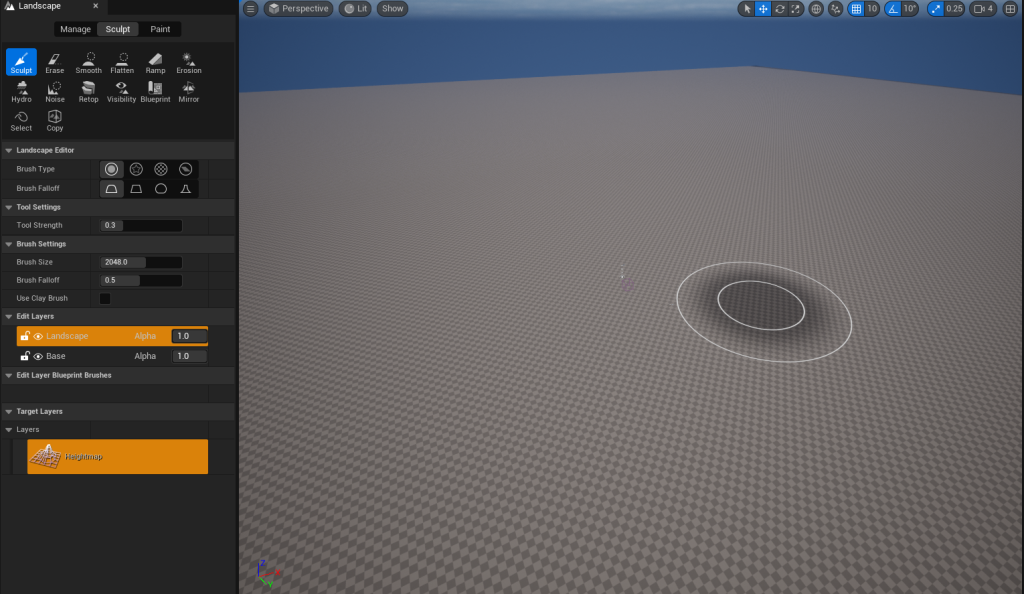
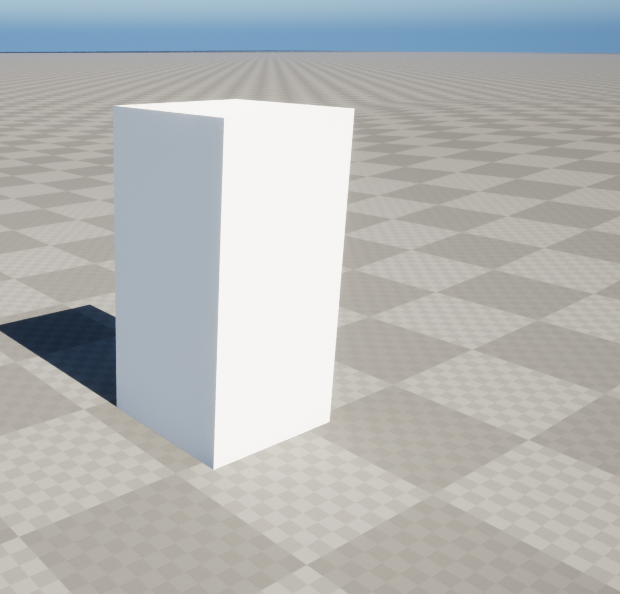
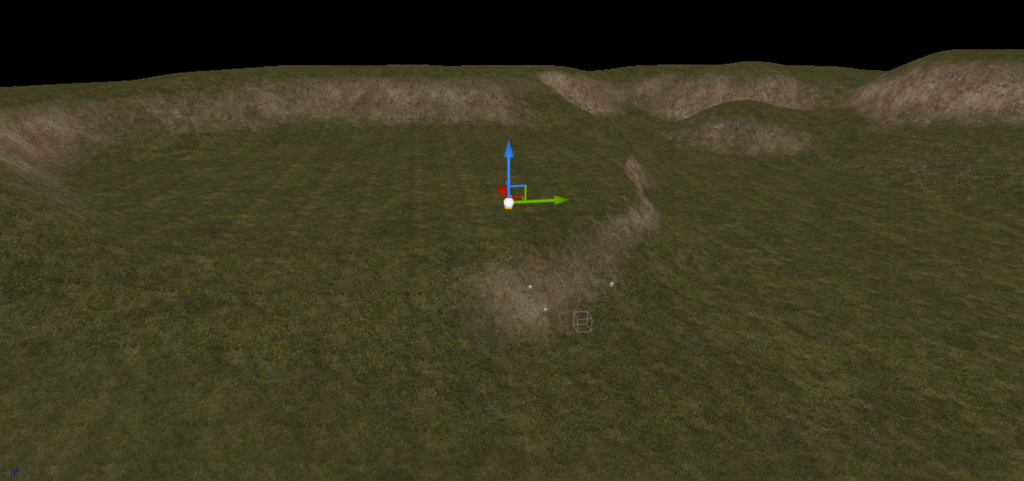
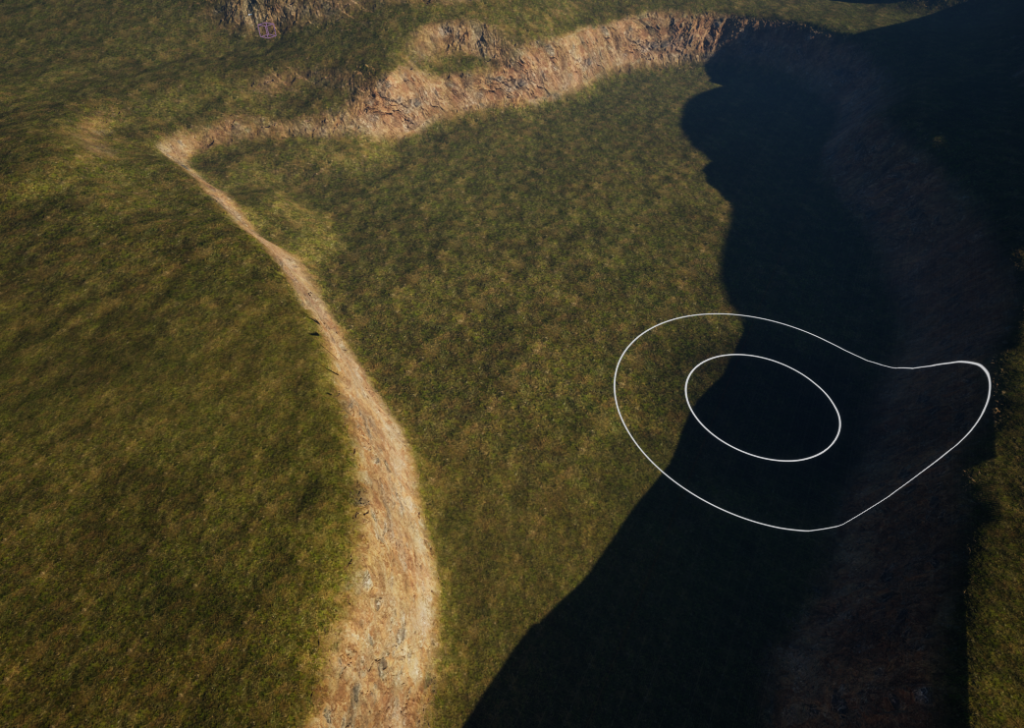
The sculpting process itself went by pretty smooth, It mostly came down to raising the landscape mesh in a few areas, smoothing the hard edges and sharp points then flattening it in certain areas. I applied a material to the landscape for better visibility while sculpting and eventually I ended up with a shape that I liked quite a bit. I wanted to surround the landscape with hills and cliffs to obstruct the horizon and also create a more enclosed peaceful feeling to the area.
I liked the idea of having a lake or river in the landscape so I sculpted out a large portion of it and after looking briefly for some kind of water in unreal, I decided the ‘water’ plugin would be the easiest to implement for now. Overall this took around 4 or 5 hours to do over the span of 3 days, however I’m quite confident if I were to repeat this now it would take a fraction of that time.
The next step for me was to start introducing the foliage, I was planning leaving the grass for later along with the rest of the detail but I thought I could at least start painting in the trees. I wasn’t sure how exactly to go abouts doing this but I figured there must have been some particle system that would allow me to paint assets on a mesh with a certain density or distribution. After looking around a bit I found that the foliage mode was exactly what I was looking for.
I opened up quixel bridge, Unreal Engine’s megascan library, hoping to find some trees in it however after looking for a while and not finding anything of the sort I checked the marketplace instead, downloading a few of the free assets (all assets used credited at the references page), however when I tried uploading them into my project I was met with a few obstacles. First the assets failed to import altogether, giving me an error which was not officially documented. I was determined to get this working as currently I was unable to import anything from the marketplace and I imagined that if trees were unavailable on quixel bridge, then the market place would be essential if I wanted to populate my scene with more complex assets.
Eventually I stumbled onto a few forum posts of people with the same error messages but wildly different circumstances, leading me to believe it was a general error message for when the engine doesn’t recognise the cause of the error. Fortunately, I seemed able to import the tree assets to a test project I made on my personal computer, so I ported my project over and worked on it at home. The second issue I encountered almost immediately after this one was, when I finally imported the assets into my project and used the foliage feature to begin painting the trees on my landscape, they had an interesting feature to say the least.
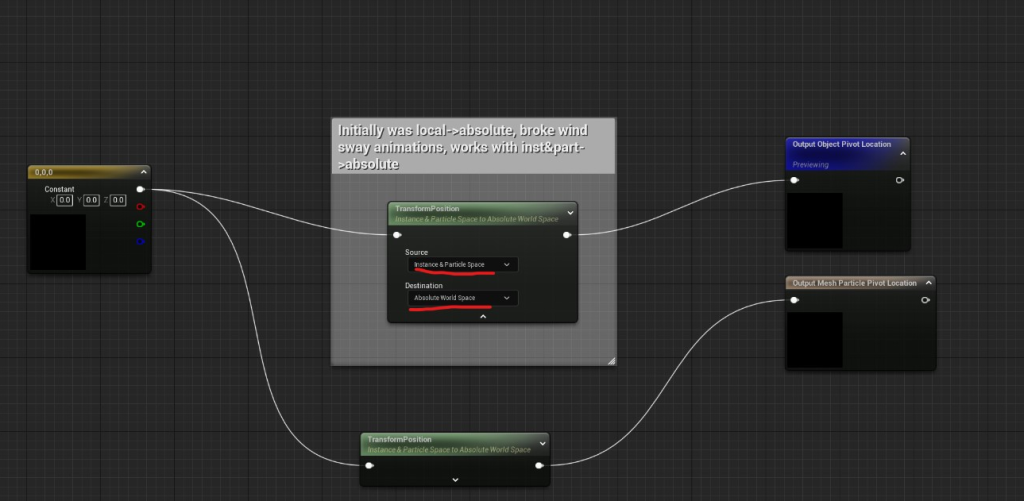
This was another bug I had to find a fix for rather than ignore, it looked too jarring to leave in the scene and I didn’t want to have to place every asset like this individually, especially when it would come to populating the landscape with grass and similar small assets that I would need a lot of. Fortunately this time the fix was rather simple and it only took me an hour or so to find the solution, a forum thread detailed it to be a bug introduced in the 5.0 version of Unreal, with a rather simple work-around.
This left me with a decent looking environment to begin placing assets into, the first of which was going to be the building.