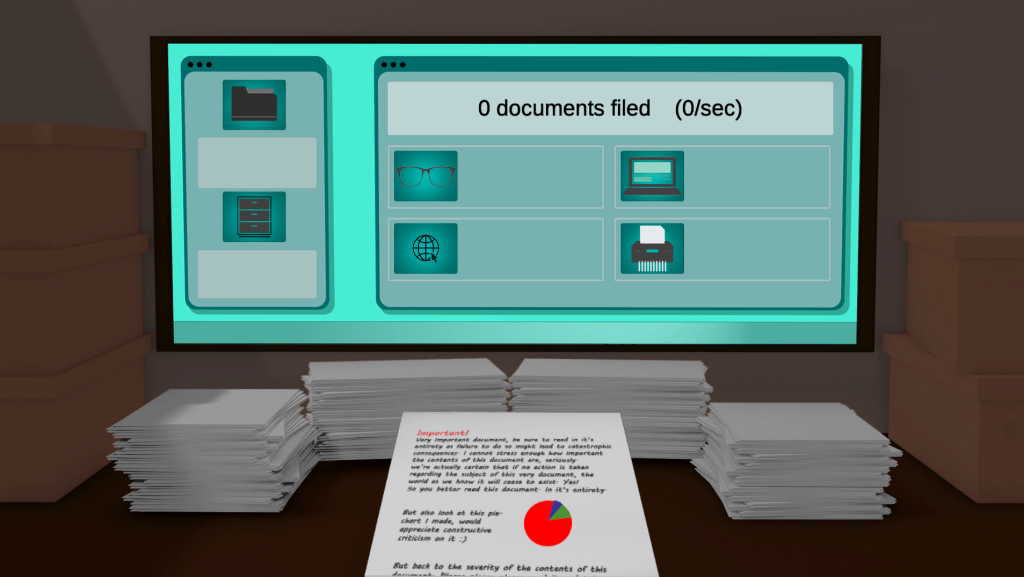
This week we were taught the importance of good UI in games. As the literal interface for information between the game and the user we need to make sure that the UI looks good and is legible, well spaced, and fits it’s intention and purpose.
In the lab session we were introduced to Adobe Illustrator and taught how to design button elements, to aid in creating the UI for our cookie clicker game later on that week. I took some time experimenting and playing around with the different settings to create two different possible button designs.


Creating some buttons
The first button I created using the custom shape tool, I built up the ‘highlight’ shape out of a selection of intersecting rectangles and coloured it white with a opacity of 60 %
I made the second button with the use of the bevel tool, tweaking the settings to make the appropriate height, angle and depth.
Creating the UI for my game
I had the idea of my cookie clicker prototype taking place in an office space, with the aim of the game being filing documents. So I began creating some artwork I could use to convey that.
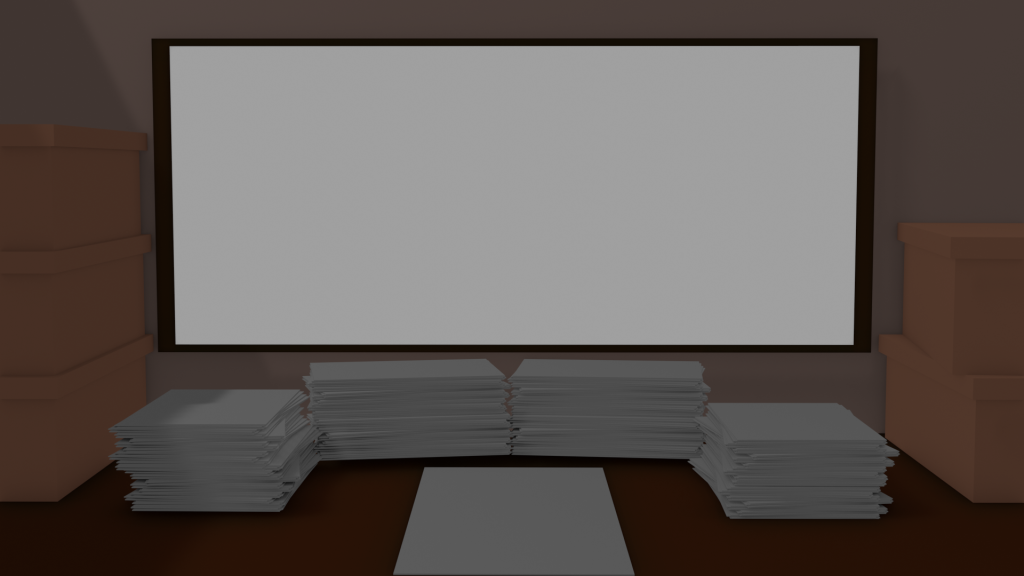
I put together a little scene inside of Blender (a 3D design software). I wanted to make it look like the player was sitting at a desk inside an office cubicle. With stacks of paper laying around and a big screen being the centre of attention.
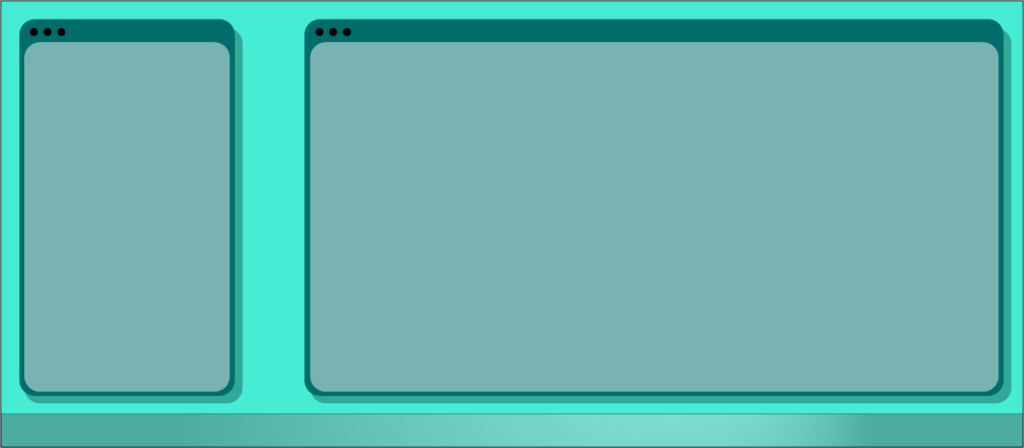
I opened up Illustrator to create some kind of overlay for the screen, this was where all of the information was going to be displayed and also where the player would be able to purchase upgrades. I ended up going with a desktop environment look, creating two separate ‘windows’ to display some information and then a shape at the bottom of the image with a gradient to represent a ‘task bar’.
I inserted the desktop environment onto the rendered background image and added some adjustments to make the purpose of the game a bit more intuitive. I spent a little while designing some Icons for the upgrade buttons in photoshop and then creating one separate image for the main button.